AI Christmas Photo Maker — Turn Any Selfie Festive
Pinterest-cozy deep guide to AI Christmas photo makers with psychology, lighting science, troubleshooting, and five real transformation breakdowns.
Key Takeaways
- Professional Christmas photos in minutes
- No photography skills required
- 30 unique variations from one photo
- Perfect for holiday cards and gifts
The AI Christmas photo maker feels like a snow-globe wish granted. A single selfie. A tiny quiet moment near your kitchen window. Then suddenly…you are glowing beside a fireplace, holding cocoa, and wrapped in the softest light.
This guide teaches you how to make that transformation feel natural, emotional, and true to the season every single time.
Quick setup checklist (people-first)
- Face the window 3–4 feet away; turn off overheads to avoid eye shadows.
- Wear neutrals or one hero color; keep patterns simple.
- Leave headroom in the frame so AI can add décor naturally.
- Capture one calm expression; soft smiles read best once lighting changes.
- Export at full resolution; aim for 3000x4000px+ for 5x7/8x10 prints.
Why this matters emotionally
December moves fast. Parents juggle school concerts, travel plans, and messy living rooms. Couples spend half the month in different cities. Grandparents miss the little moments.
AI bridges the gap between the holidays you hoped for and the photos you actually captured. It lets you slow down, share warmth, and remind everyone that you are still together—just with a sprinkle of cinematic magic.
The psychology behind AI Christmas edits
People respond to images that feel held, safe, and nostalgic. Warm amber tones mimic candlelight memories. Snowy blues whisper calm and distance from chaos. Even the smallest pose—two hands touching a mug—signals closeness and care.
Parents love AI edits because they remove the guilt of “not doing enough.” Kids light up seeing themselves in rooms filled with sparkle. Long-distance couples use them to close the gap. It’s not about pretending life is perfect. It’s about amplifying the feelings already there.
High-value breakdown: lighting, composition, color, and pose
✨ Try ThatMoment.Studio now — Create your magical Christmas photo in under a minute →
Lighting choices
- Window light for input: Stand 3–4 feet from a window so light wraps softly. This creates even exposure for AI to build on.
- Warm vs cool: Shoot warmer photos for fireplace presets (Cozy Fireplace, Elegant Holiday) and cooler photos for snow or Nordic looks (Snowy Forest, Modern Minimal).
- Avoid overhead glare: Turn off ceiling lights that cast shadows under eyes. A lamplight behind the camera is gentler.
Composition rules
- Leave space above your head so garlands or snowflakes can sit naturally.
- Keep shoulders relaxed and centered—AI builds rooms around that anchor.
- If you’re with family, stagger heights to create a triangle; AI keeps that balance when adding décor.
Color cues
- Neutral outfits (cream, gray, navy) allow AI to layer textures without clashing.
- If you crave bold colors, choose one hero shade (deep red sweater, emerald dress) and let the background echo it.
- Avoid neon or tiny busy patterns—they confuse the model and create flickering edges.
Pose mechanics
- Soft smiles read more naturally than big grins once AI adds dramatic lighting.
- Keep hands visible but calm—rest on lap, hold a mug, link pinkies.
- Tilt your chin slightly down for cozy shots or slightly up for glam snow scenes.
10 transformation ideas (with why + how)
- Fireplace cuddle — Sit angled toward your partner, hands around one mug. Why: shared prop shows connection. How: upload to Cozy Fireplace, request “amber glow + knit textures.”
- Snowy doorway kiss — Stand under a doorway, lean in gently. Why: frame-within-frame adds storytelling. How: Snowy Forest preset with “falling snow, night lights.”
- Gift wrapping chaos — Sit on the floor with scissors mid-air. Why: movement feels real. How: Gift Box Fun preset adds ribbons and tidy boxes.
- Minimal Nordic calm — Stand near a blank wall, eyes soft. Why: negative space sells the Scandinavian vibe. How: Modern Minimal preset, ask for “paper stars + birch branches.”
- Grandparent hugs — Stack everyone on the sofa, arms overlapping. Why: layered touch = emotional impact. How: Family Circle style, “warm amber, garland mantle.”
- Pet in a snow globe — Hold your pet close at chest height. Why: shared eye line keeps focus. How: Frozen Fairytale preset, request “clear face zone.”
- Tree-side confession — Sit cross-legged by the tree, chin in hands. Why: invites viewer into moment. How: Cozy Fireplace but ask for “tree sparkle + floor cushions.”
- Glam staircase — Stand two steps apart, hands on rail. Why: height difference adds drama. How: Winter Gala preset, “champagne lights, velvet outfits.”
- Solo story hour — Hold a book mid-turn, gaze down. Why: narrative shot works for cards. How: Elegant Holiday preset, request “candle cluster, plaid blanket.”
- Sibling piggyback — Capture one carrying the other. Why: energy feels spontaneous. How: Santa & Kids preset, “confetti snow, string lights.”
Five real before & after stories
Before / After
Cozy Fireplace Glow

Cozy Fireplace Glow
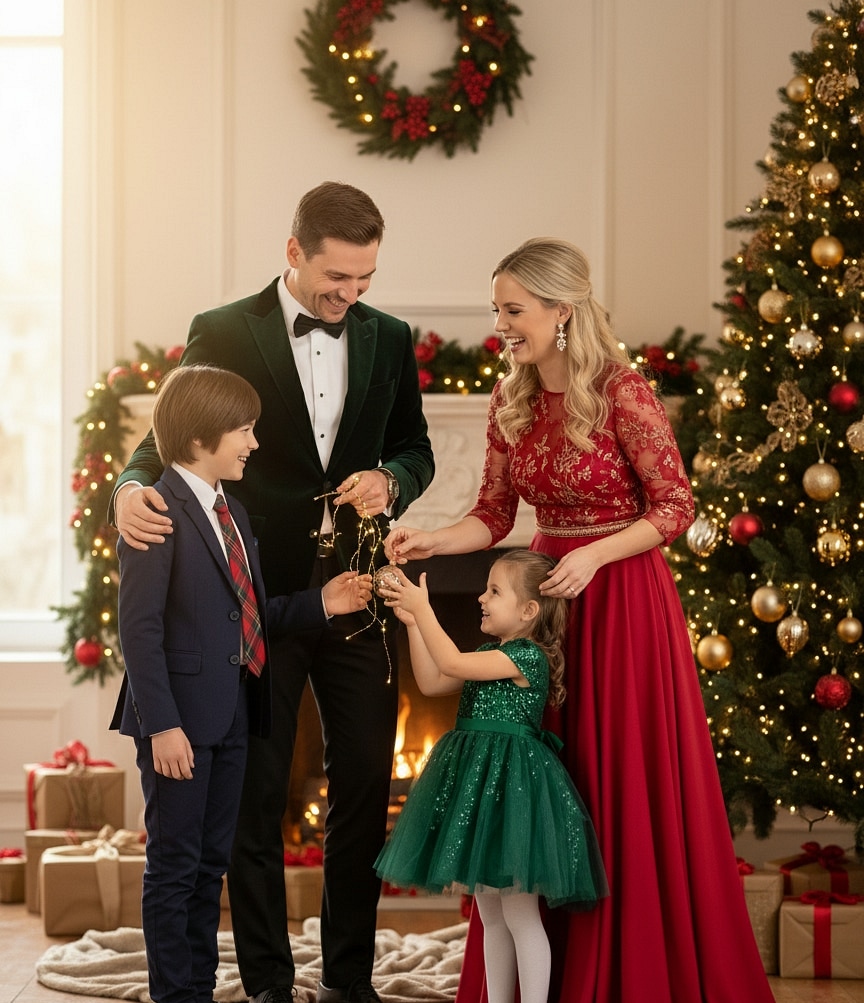
Why it works: Neutral sweaters let AI add velvet drapes without clashing. Knees angled toward each other create intimacy. Lighting warms from 4300K to 2800K for instant nostalgia.
Before / After
Snowy Forest Stroll
Snowy Forest Stroll
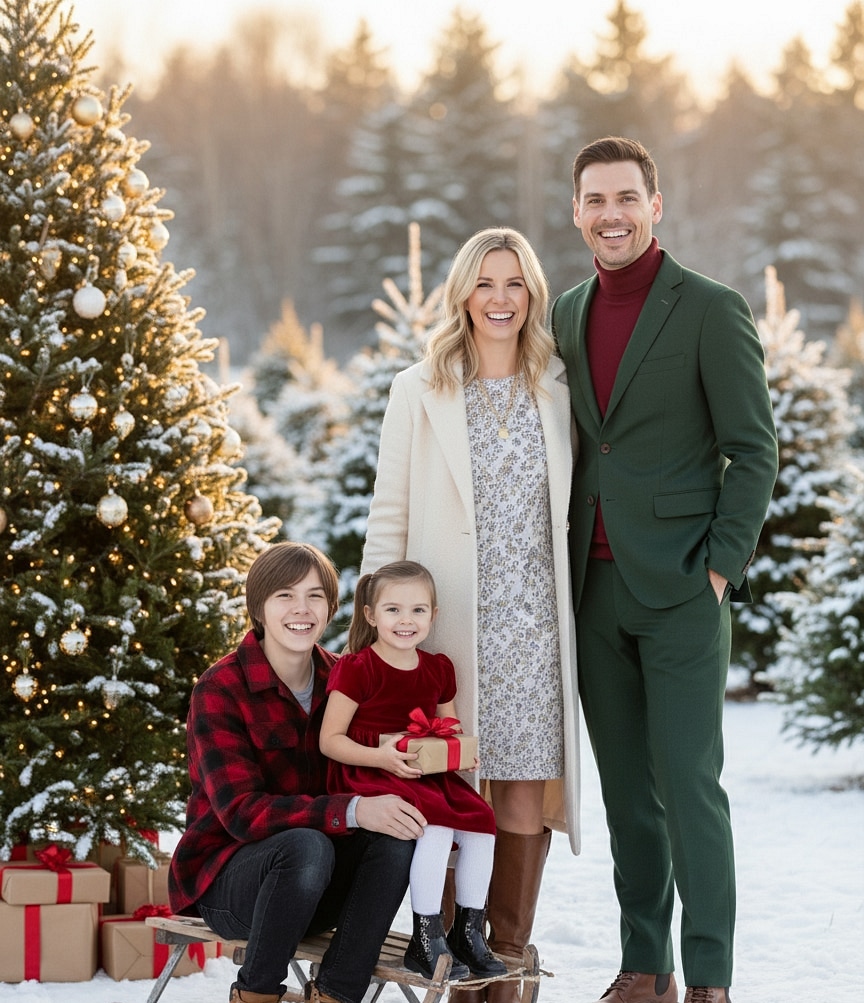
Why it works: Cool highlights on cheeks match the snow-toned preset. AI retains hand placement, making the scene believable even with a new horizon line.
Before / After
Gift Box Surprise
Gift Box Surprise
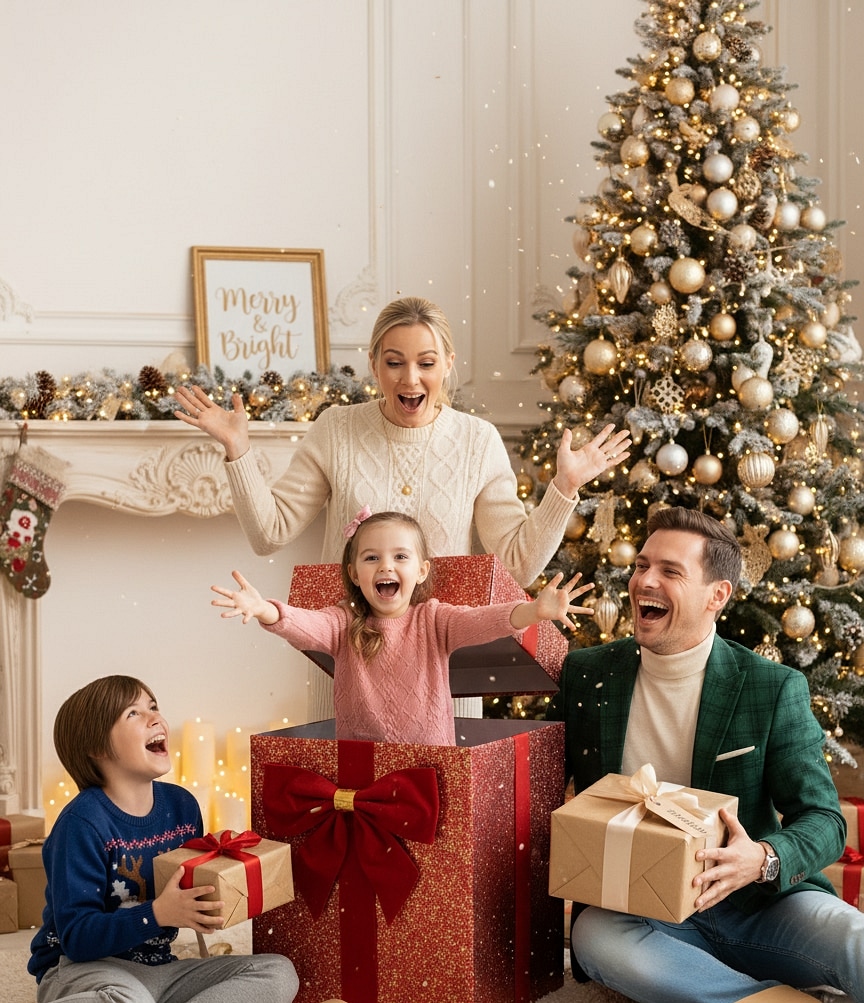
Why it works: The child’s gaze stays toward the “box lid,” so AI can swap clutter for styled props. Slight top-down angle keeps proportions intact.
Before / After
Modern Minimal Calm
Modern Minimal Calm

Why it works: Clean lines and soft grays allow AI to extend the wall and add paper stars. Facial expression stays serene, matching the minimalist mood.
Before / After
Romantic Winter Embrace
Romantic Winter Embrace
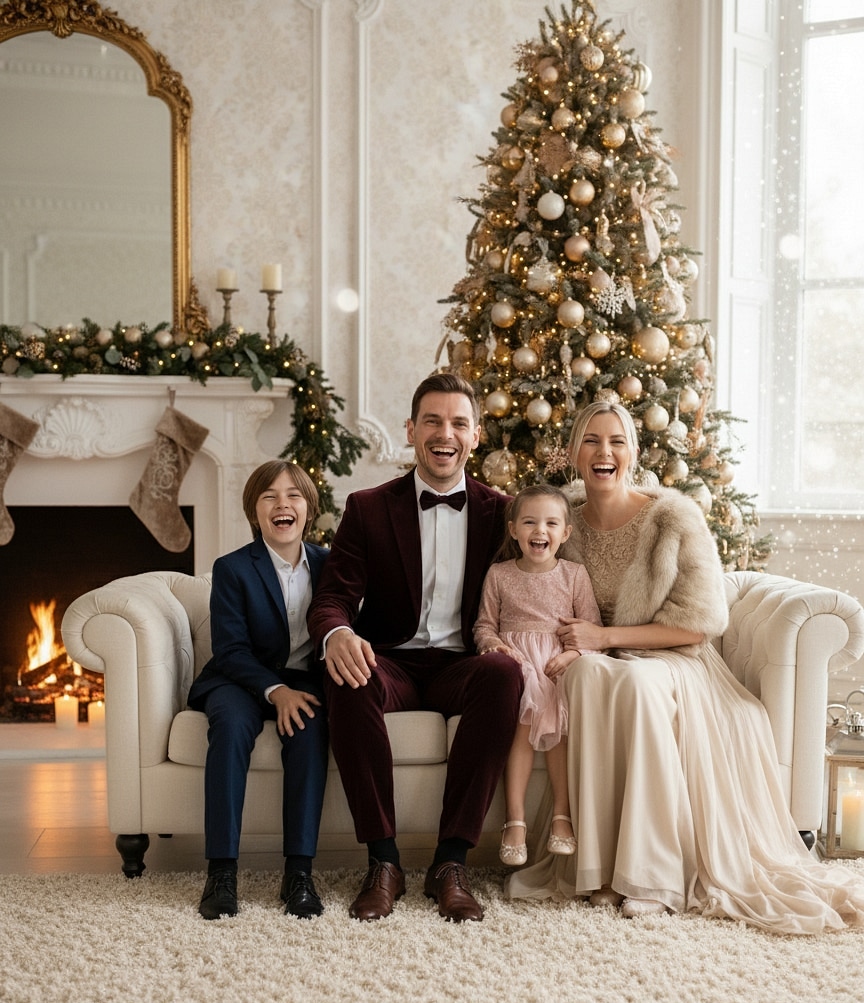
Why it works: Shoulders touching and shared scarf anchor the couple so AI can build depth behind them. Snow direction matches original light source for realism.
10 mistakes beginners make (and how to fix them)
- Shooting in harsh overhead light — Faces look flat. Fix: turn off overheads, rely on window or lamp bounced off a wall.
- Standing too close to the camera — Distorts facial features. Fix: back up two steps and crop later.
- Wearing busy logos — AI struggles to blend. Fix: choose solids or subtle textures.
- Uploading low-resolution screenshots — Results look mushy. Fix: use the original photo file.
- Forgetting to relax shoulders — Tension stays even after editing. Fix: inhale, drop shoulders before tapping shutter.
- Hands covering faces — AI might warp them. Fix: keep hands lower or hold props at chest level.
- Expecting AI to fix out-of-focus faces — Blur remains. Fix: tap to focus on eyes when shooting.
- Mixing warm outfits with icy presets — Looks mismatched. Fix: choose preset that matches clothing palette or let AI recolor outfits by request.
- Uploading group shots with overlapping heads — AI can merge them. Fix: stagger people or shoot individuals and merge later.
- Ignoring lighting direction — AI can’t guess shadows. Fix: note where light hits in the original and choose a preset with similar direction.
Troubleshooting scenarios
- Face looks too smooth: Ask for “retain natural texture” or switch to Studio Classic presets.
- Hands or accessories warp: Crop to mid-chest or photograph hands separately and composite later.
- Clothing shifts weirdly: Upload in simple silhouettes (sweater, tee). Then request “add velvet dress” or “matchy pajamas.”
- Background feels unrealistic: Describe specific elements—“brick fireplace, eucalyptus garland, glowing stockings”—so AI stays grounded.
- Color temperature mismatch: Edit original photo warmer/cooler before upload to guide the AI.
Step-by-step mini guide
- Pick the emotion (cozy, snowy, glam, minimal).
- Capture a clean photo near natural light with relaxed shoulders.
- Upload to ThatMoment.Studio at full resolution.
- Choose a preset that matches your palette.
- Add a note: lighting direction, props, outfit tweaks.
- Generate multiple versions; flag your favorites.
- Download high-res files for cards, feeds, or gifts.
Quick checklist
- [ ] Face lit softly from window or lamp
- [ ] Neutral or coordinated outfit
- [ ] Space above head for décor
- [ ] Clean background or at least tidy foreground
- [ ] Full-resolution file saved
- [ ] Prompt includes desired vibe + safety notes (kids, pets)
- [ ] Multiple outputs reviewed
AI variations: what works and when it fails
Strengths
- Adds architectural depth (cabins, lofts, snow globes) without staging.
- Recolors outfits to match palettes.
- Fixes noise from low-light phone shots.
- Blends separate photos into one family portrait.
Watch-outs
- Extreme motion blur or grain can’t be fully repaired.
- Complex hand gestures may blend together—keep them simple.
- Reflective glasses might mirror non-existent scenes; tilt glasses slightly down.
- Pets with dark fur can lose detail if the input is underexposed—brighten before upload.
Use AI to enhance emotion, not to replace the feeling that was already in the moment.