AI Christmas Before & After — Transformation Analysis
In-depth breakdown of AI Christmas photo before-and-after sets with storytelling cues, fixes for common issues, and improvement tips.
Key Takeaways
- Professional Christmas photos in minutes
- No photography skills required
- 30 unique variations from one photo
- Perfect for holiday cards and gifts
Seeing the before and after side by side is what convinces people the magic is real. This guide breaks down five transformations—family, couple, kids, pets, and solo portrait—so you can understand why each result works and how to recreate it.
Quick before/after playbook
- Start with one clear, well-lit photo (faces visible, minimal filters).
- Pick a preset that matches your goal: Cozy (Family Circle), Romantic (Romantic Winter), Playful (Santa & Kids), Nature (Snowy Forest), Minimal (Modern Minimal).
- Zoom to 200% to check hands, paws, and edges; rerun if artifacts appear.
- Export 3000x4000px+ at 300 DPI for 5x7/8x10 prints.
- Keep expressions real—don’t over-smooth skin; people-first authenticity beats plastic looks.
Family transformation: living room to storybook hearth
Before / After
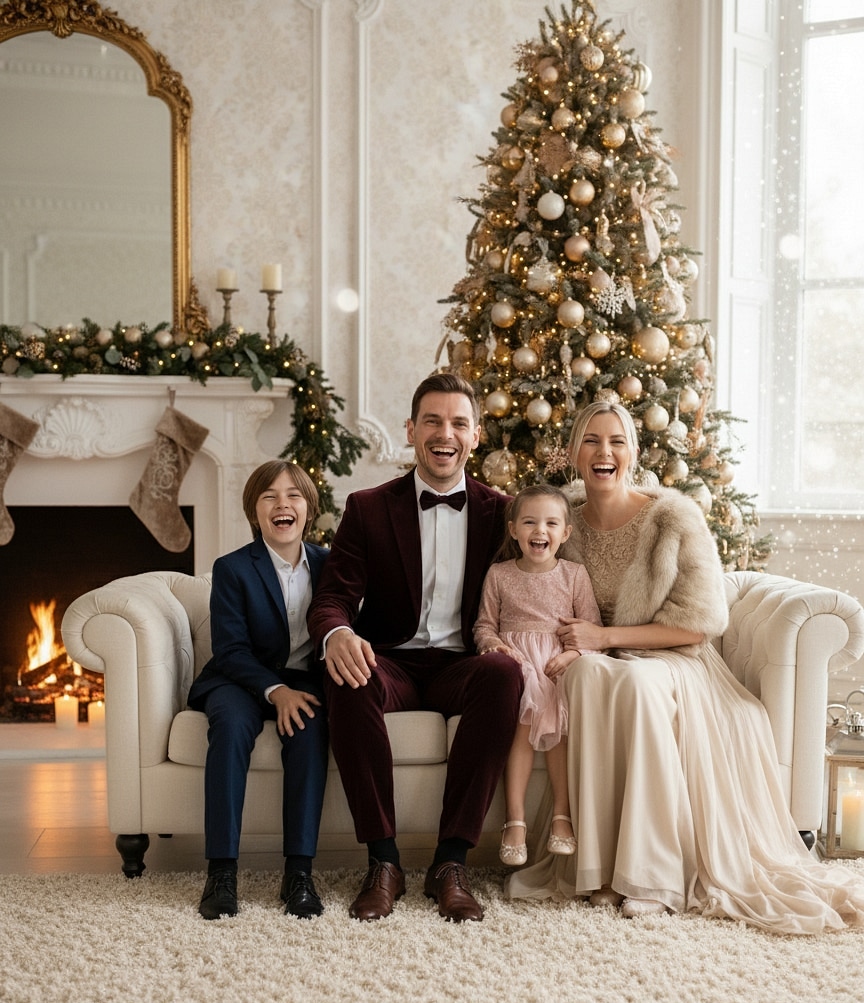
Family Circle Glow

Family Circle Glow

What changed
- Clutter removed, replaced with garland symmetry.
- Tree repositioned to create depth behind shoulders.
- Warm amber tones added to skin, balancing window light.
Why it works The after image keeps authentic expressions but introduces triangle composition (parents forming base, kids forming peak) so eyes travel softly.
How to recreate Upload a well-lit family shot, request “Family Circle style, amber fireplace glow, knit textures, subtle bokeh.”
Couple transformation: hallway selfie to cinematic snow walk
✨ Try ThatMoment.Studio now — Create your magical Christmas photo in under a minute →
Before / After
Romantic Winter Stroll
Romantic Winter Stroll
What changed
- Background replaced with cobblestone street and twinkle lights.
- Colors cooled to soft blues with warm accents.
- Subtle snow motion added without covering faces.
Why it works Hand placement stayed natural, so the scene feels believable. Snow direction matches light, anchoring the couple in space.
How to recreate Prompt ThatMoment.Studio for “Romantic Winter style, dusk city lights, gentle snowfall, keep outfits neutral.”
Kids transformation: toy explosion to calm storytime
Before / After
Santa & Kids Storybook
Santa & Kids Storybook

What changed
- Toys rearranged into neat stacks, clutter cropped out.
- Tree moved behind kids for frame-within-frame effect.
- Soft vignette added to keep attention on faces.
Why it works The after version keeps the candid expressions while guiding the eye with leading lines from presents to faces.
How to recreate Use “Santa & Kids style, floor-level camera, presents stacked, candlelight, pastel wrapping.”
Pet transformation: blurry couch shot to snowy forest portrait
Before / After
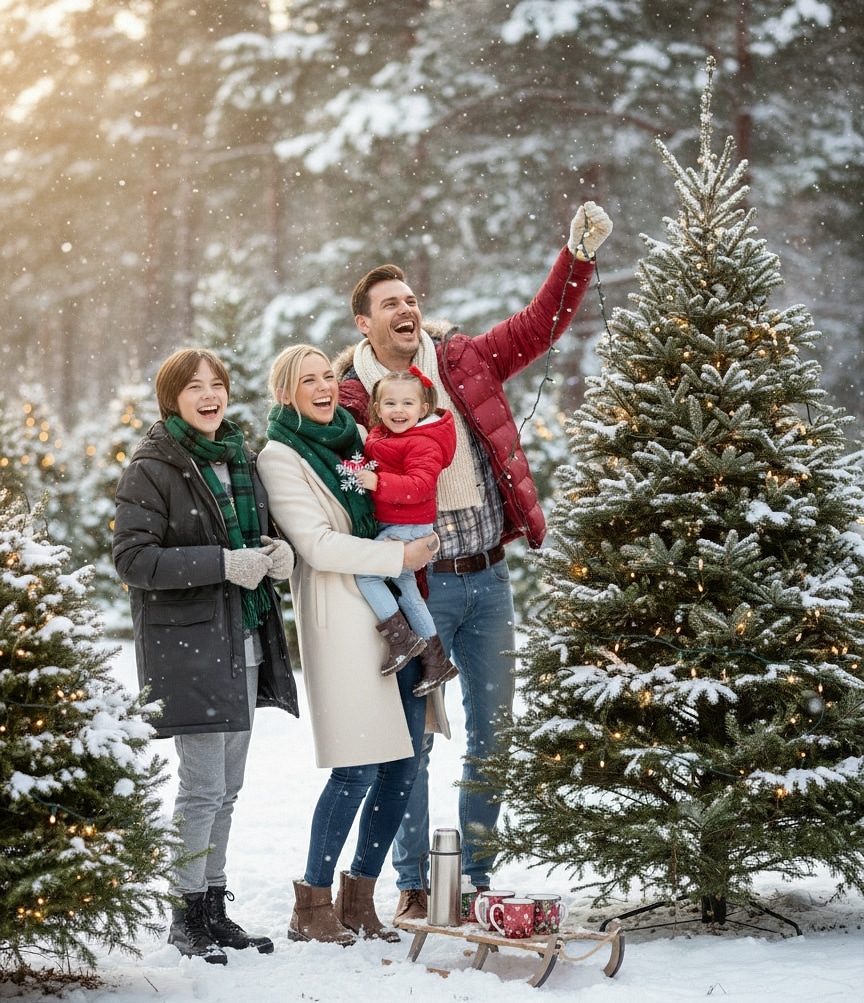
Snowy Forest Companion
Snowy Forest Companion
What changed
- Fur sharpened, motion blur removed.
- Snow drift background replaces couch, adding contrast to coat color.
- Breath mist added for realism.
Why it works Light source stays believable—the glow still hits from the left, matching the original lamp angle.
How to recreate Prompt “Snowy Forest style, pet close-up, frosted trees, soft blue hour, keep fur texture.”
Solo portrait transformation: desk selfie to modern minimal mood
Before / After
Modern Minimal Calm
Modern Minimal Calm

What changed
- Desk clutter replaced with floating paper stars.
- Clothing subtly recolored to neutral palette.
- Candle bokeh adds depth without overpowering.
Why it works The subject stays center-left, leaving negative space for text or cards. Eye lines remain natural, so it feels like the same moment.
How to recreate Use “Modern Minimal style, white-on-white palette, paper stars, gentle candle glow.”
Why some transformations fail
- Low-res uploads: AI can’t invent detail if the original is grainy. Start with the highest resolution you have.
- Harsh shadows: Faces heavily shadowed confuse tone mapping. Sit near a window or bounce light with a sheet of paper.
- Busy poses: If limbs overlap wildly, AI might fuse them. Take a reset shot with clearer spacing.
- Mismatched lighting: A flash-heavy selfie can look odd in a candlelit scene. Lower the flash intensity or diffuse it before uploading.
Improvement checklist
- Clean lens, breathe, shoot multiple angles.
- Pick the calmest expression—even if the room is messy.
- Note the emotion you want (cozy, glam, snowy) before prompting.
- Request specific props: “velvet stockings,” “string lights,” “Scandi paper stars.”
- Export multiple variations; mix them into cards, reels, and photo books.
FAQs
Can I combine people from separate photos?
Yes. Upload each person, request “merge subjects,” and describe the relationship so AI sets natural spacing.
How do I keep freckles and texture?
Ask for “retain natural skin texture” or “no heavy retouching.” ThatMoment.Studio defaults to gentle edits, but prompts help.
What about printing?
Download the high-res version and stick to 5x7 or 8x10 for tack-sharp results.
Final encouragement
Before-and-after comparisons prove that magic can come from imperfect snaps. Document your real life, then let AI build the cozy, cinematic version you imagined. Use these breakdowns as a checklist, experiment with styles, and keep the originals—they show the journey.
Ready to create your magical Christmas photo?
Related Topics:
Continue Reading
AI Christmas Photo Maker — Turn Any Selfie Festive
Pinterest-cozy deep guide to AI Christmas photo makers with psychology, lighting science, troubleshooting, and five real transformation breakdowns.
AI Christmas Photo Trend 2025: Cozy Pinterest Edition
Warm, dreamy guide to the AI Christmas photo trend 2025 with feelings, vibes, FAQs, and easy steps to make your own Pinterest-perfect portrait.